
Quick answer
To add a percentage to a price, multiply the price by 1 plus the percent as a decimal. A 5% increase on $40 is $40 × 1.05 = $42.00. To add sales tax of 8.25% to $59.99, multiply by 1.0825 to get $64.94.
Key takeaways
- New price = price × (1 + percent ÷ 100).
- 5% → × 1.05; 10% → × 1.10; 8.25% → × 1.0825.
- To remove a percentage, divide by the same factor.
- Two increases (or discounts) multiply — they don’t add.
On this page
Raising prices, adding sales tax or pricing a product with a markup all come down to one step. Here’s how to add a percentage to a price — and how to take it back off.
Percentage Increase CalculatorAdd any % to any number.Open →The formula
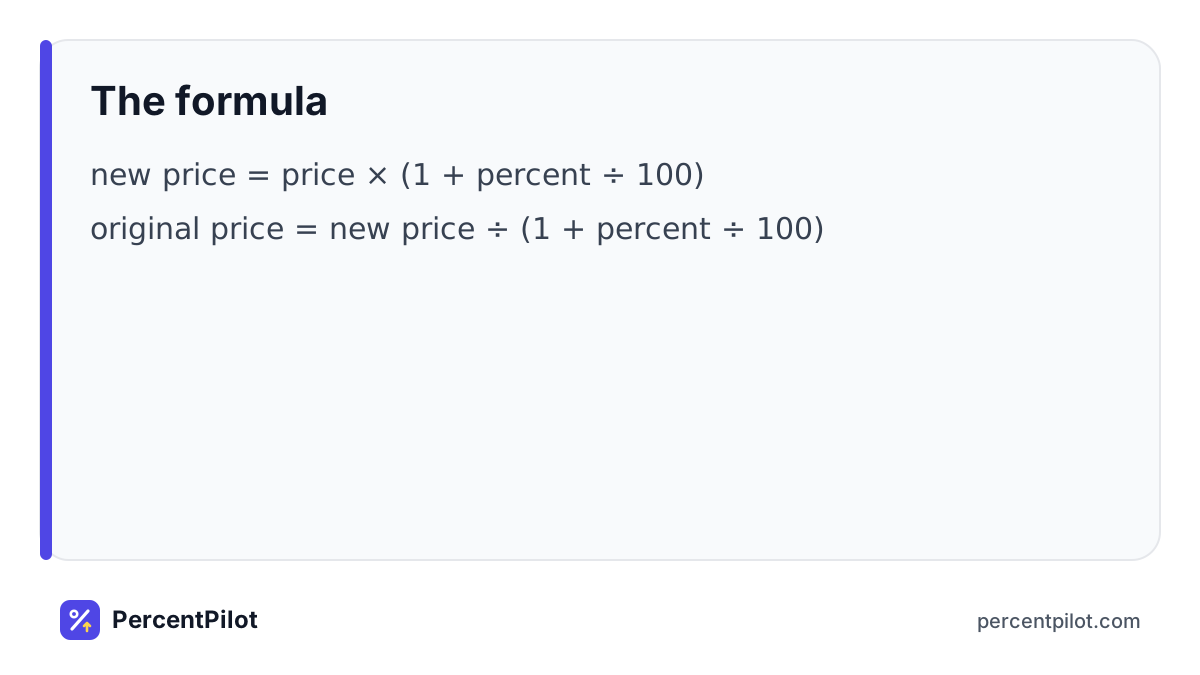
new price = price × (1 + percent ÷ 100)
original price = new price ÷ (1 + percent ÷ 100)
Worked example: Add a 5% increase
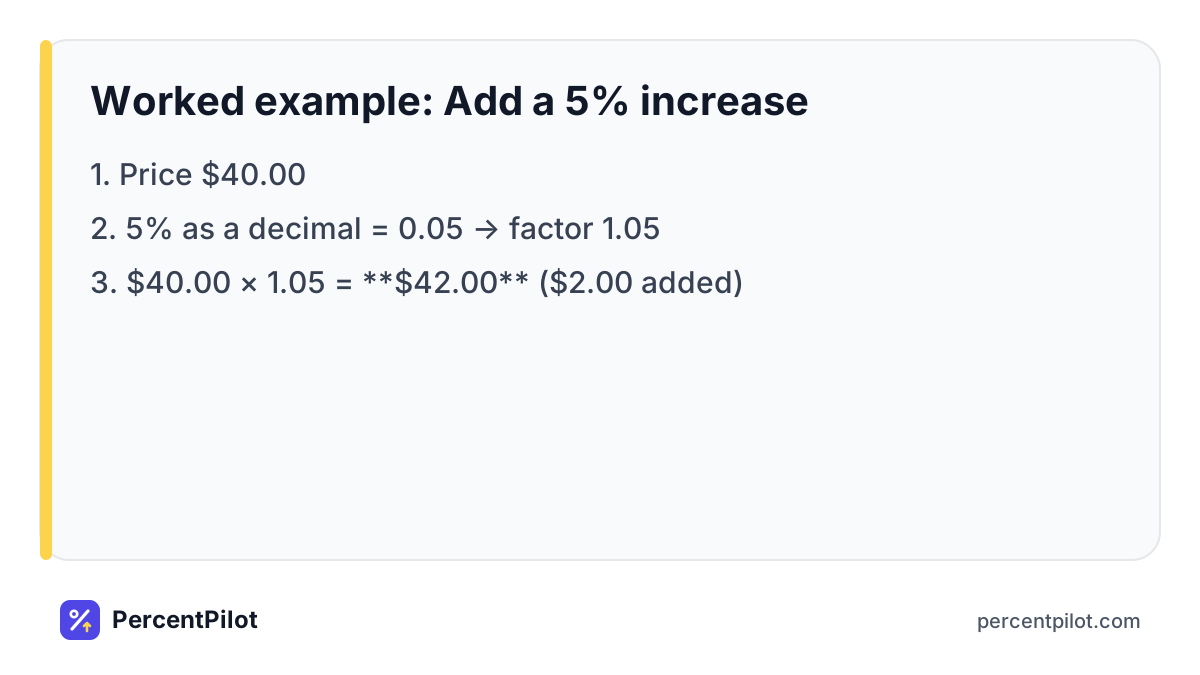
- Price $40.00
- 5% as a decimal = 0.05 → factor 1.05
- $40.00 × 1.05 = $42.00 ($2.00 added)
Worked example: Add 8.25% sales tax
- Price $59.99
- Tax: $59.99 × 0.0825 = $4.949… → $4.95
- Total: $59.99 × 1.0825 = $64.94
Quick multipliers
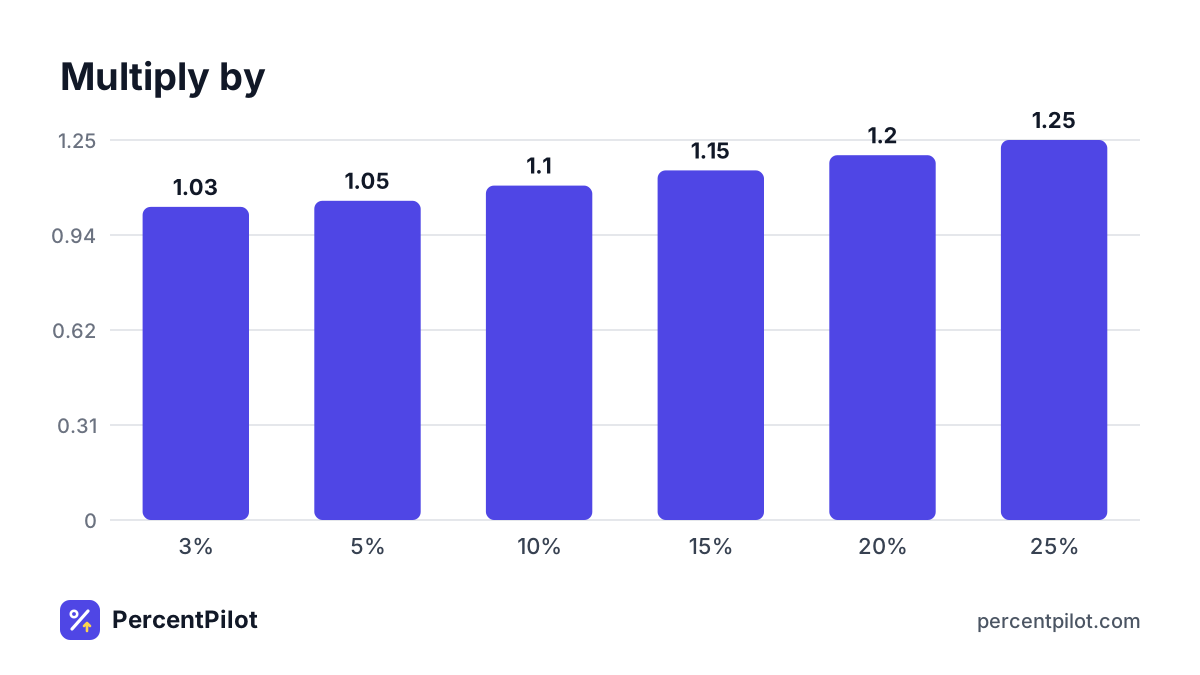
| Add | Multiply by | $40 becomes |
|---|---|---|
| 3% | 1.03 | $41.20 |
| 5% | 1.05 | $42.00 |
| 10% | 1.10 | $44.00 |
| 15% | 1.15 | $46.00 |
| 20% | 1.20 | $48.00 |
| 25% | 1.25 | $50.00 |
Taking a percentage back off
If a receipt shows $42.00 including 5%, the pre-increase price is $42.00 ÷ 1.05 = $40.00. Subtracting 5% of $42 ($2.10) would give $39.90 — wrong, because the 5% was taken from $40, not $42.
Stacked changes
- Two 5% increases: 1.05 × 1.05 = 1.1025 → 10.25%, not 10%.
- 20% off, then another 10% off: 0.80 × 0.90 = 0.72 → 28% off, not 30%.
Accuracy first
Round only the final price to the cent. Rounding the tax first and the total separately can leave you a cent off from the register.
What NOT to do
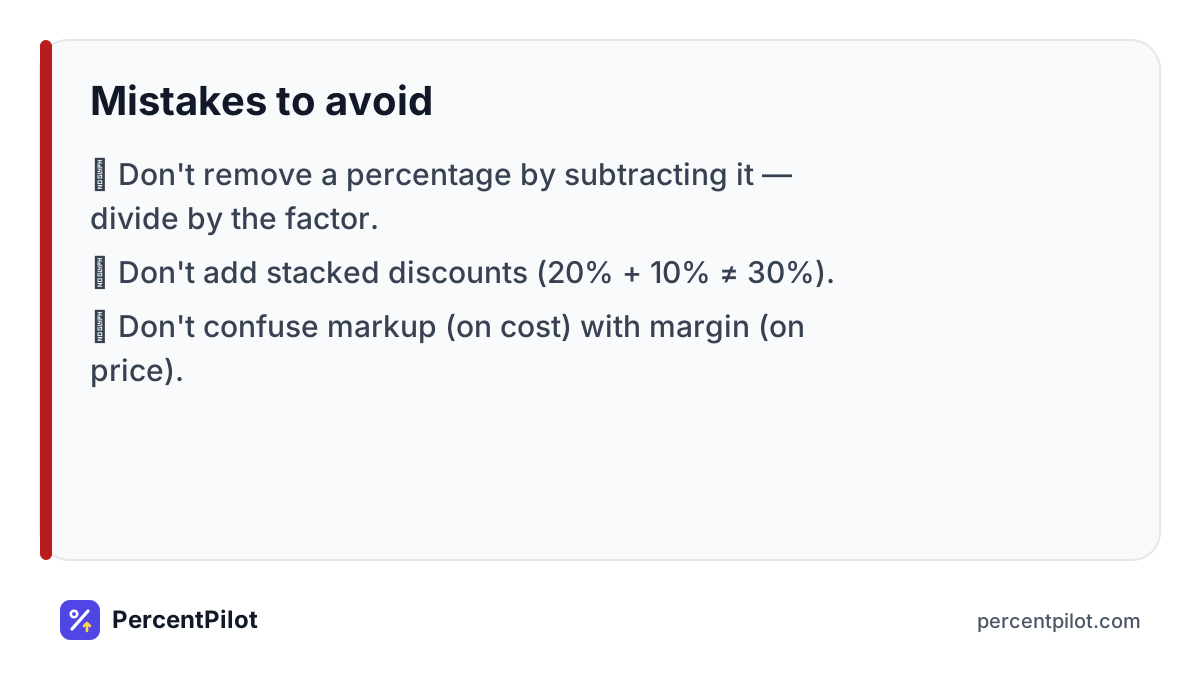
- Don’t remove a percentage by subtracting it — divide by the factor.
- Don’t add stacked discounts (20% + 10% ≠ 30%).
- Don’t confuse markup (on cost) with margin (on price).
Related: percentage change formula, how to calculate a pay raise, how much is 30% of 100.
Adding tax and a tip together
At a restaurant, add the tax first, then decide whether to tip on the pre-tax or the after-tax amount — many people tip on the pre-tax amount. On a $48.00 meal with 8% tax, the tax is $3.84. A 20% tip on the pre-tax amount is $9.60, so the total is $48.00 + $3.84 + $9.60 = $61.44.
Where you’ll use this
Small businesses add percentages all the time: a 5% price increase on a menu, sales tax at the register, a 30% markup on wholesale cost. Getting it right matters, because a cent of rounding on thousands of sales adds up, and an “undo” done by subtracting instead of dividing gives the wrong original price.
For shoppers, the same math helps you budget. Before you reach the register, multiply the total by 1 plus your local sales tax rate. A $250 cart in a place with 6% tax will cost $265. If a store raises prices “only 5%” twice in a year, your cost went up 10.25%, not 10%.
Practice problems (with answers)
Try each one, then check it with the Percentage Increase Calculator. More tools: all percentage calculators.
- Add 6% to $85. Answer: $85 × 1.06 = $90.1 ($5.1 added).
- Add 7.25% to $19.99. Answer: $19.99 × 1.0725 = $21.44 ($1.45 added).
- Add 3% to $1,250. Answer: $1,250 × 1.03 = $1,287.5 ($37.5 added).
- Add 15% to $42. Answer: $42 × 1.15 = $48.3 ($6.3 added).
Frequently asked questions
How do I add 5% to a number in Excel?
Use =A11.05, or =A1(1+B1) with 5% typed in B1.
How do I add 20% to a price?
Multiply by 1.20. $75 plus 20% is $90.
How do I work out the price before tax?
Divide the total by 1 plus the tax rate. $64.94 ÷ 1.0825 = $59.99.
How do I add a percentage on a calculator?
Multiply by 1 plus the percent as a decimal. For 7% on $250, type 250 × 1.07 = 267.50.
What is the difference between markup and margin?
Markup is profit as a percent of cost; margin is profit as a percent of the selling price. A $50 item sold for $75 has a 50% markup but a 33.33% margin.
Sources
Spotted an error? Tell us and we will fix it and note the change here.